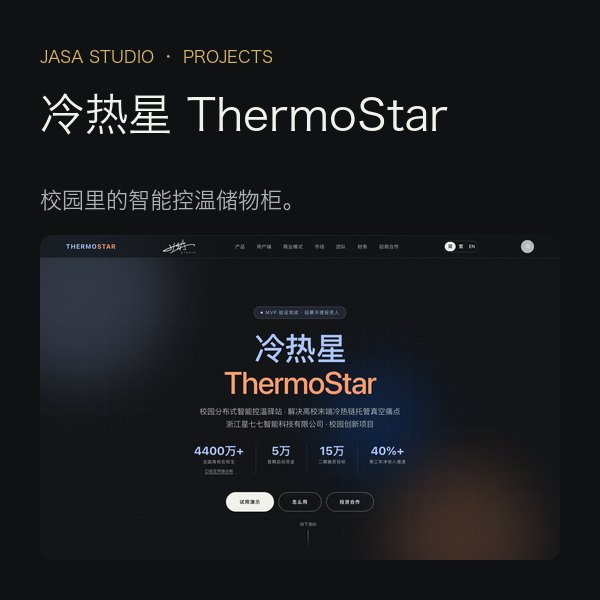
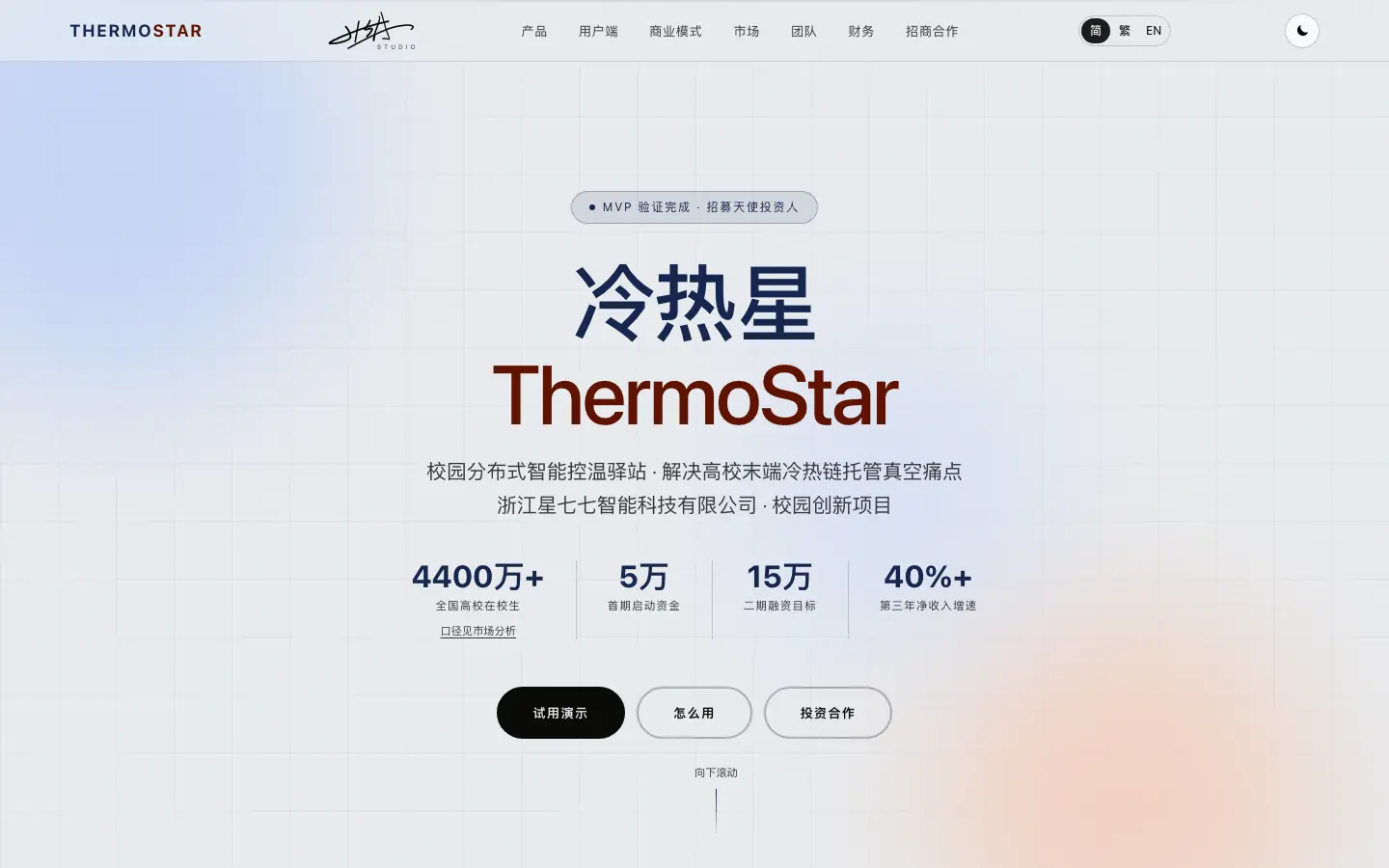
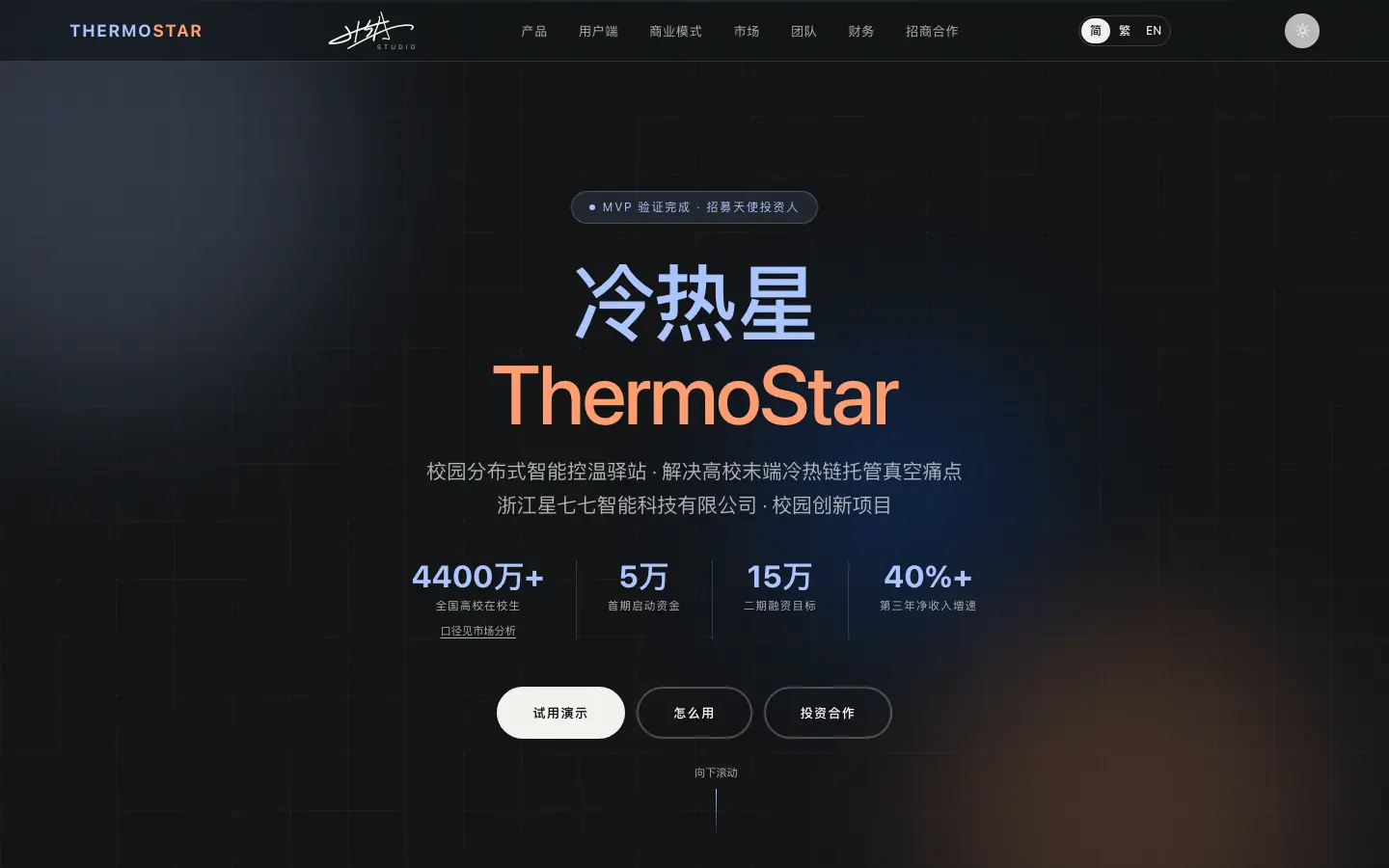
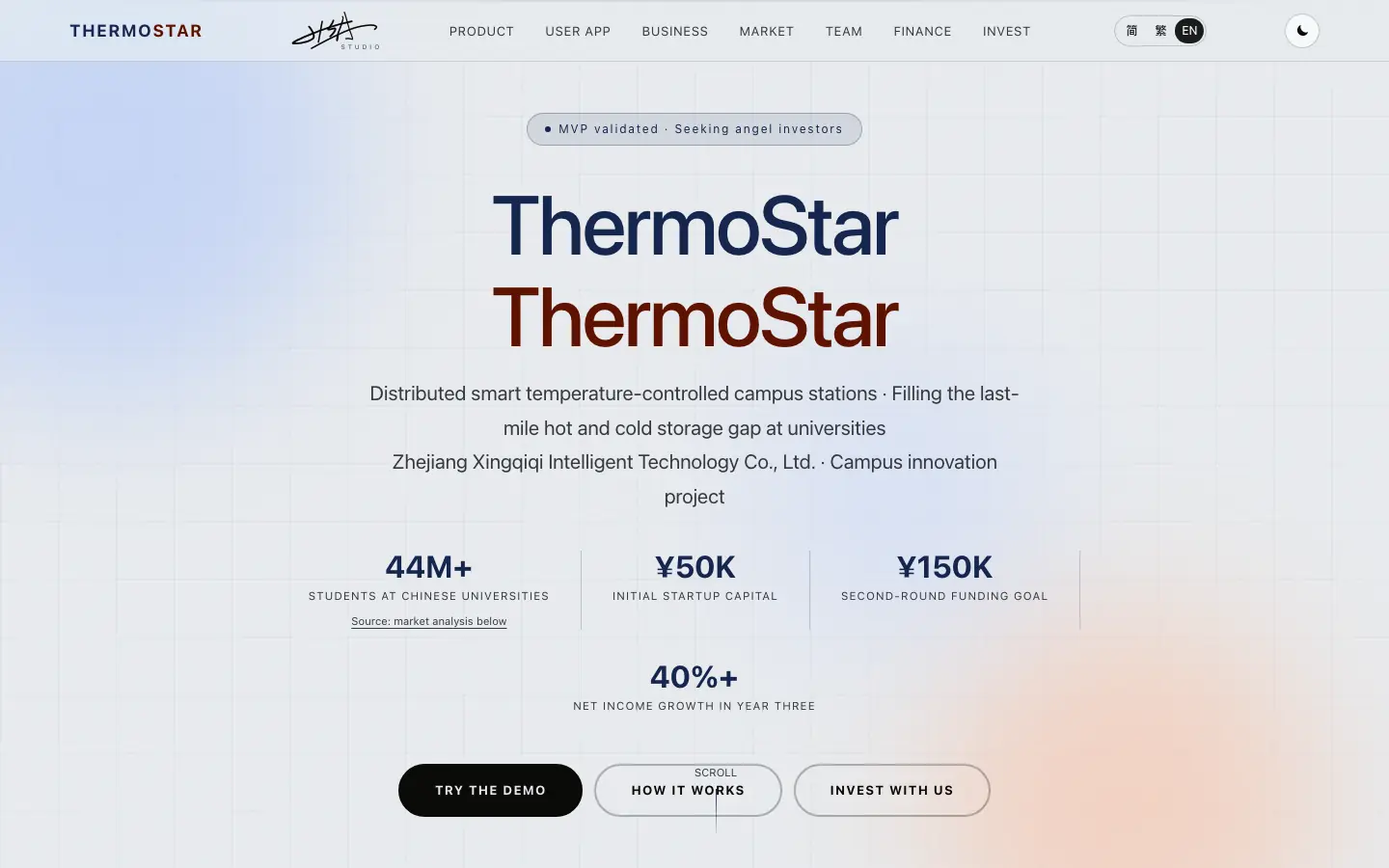
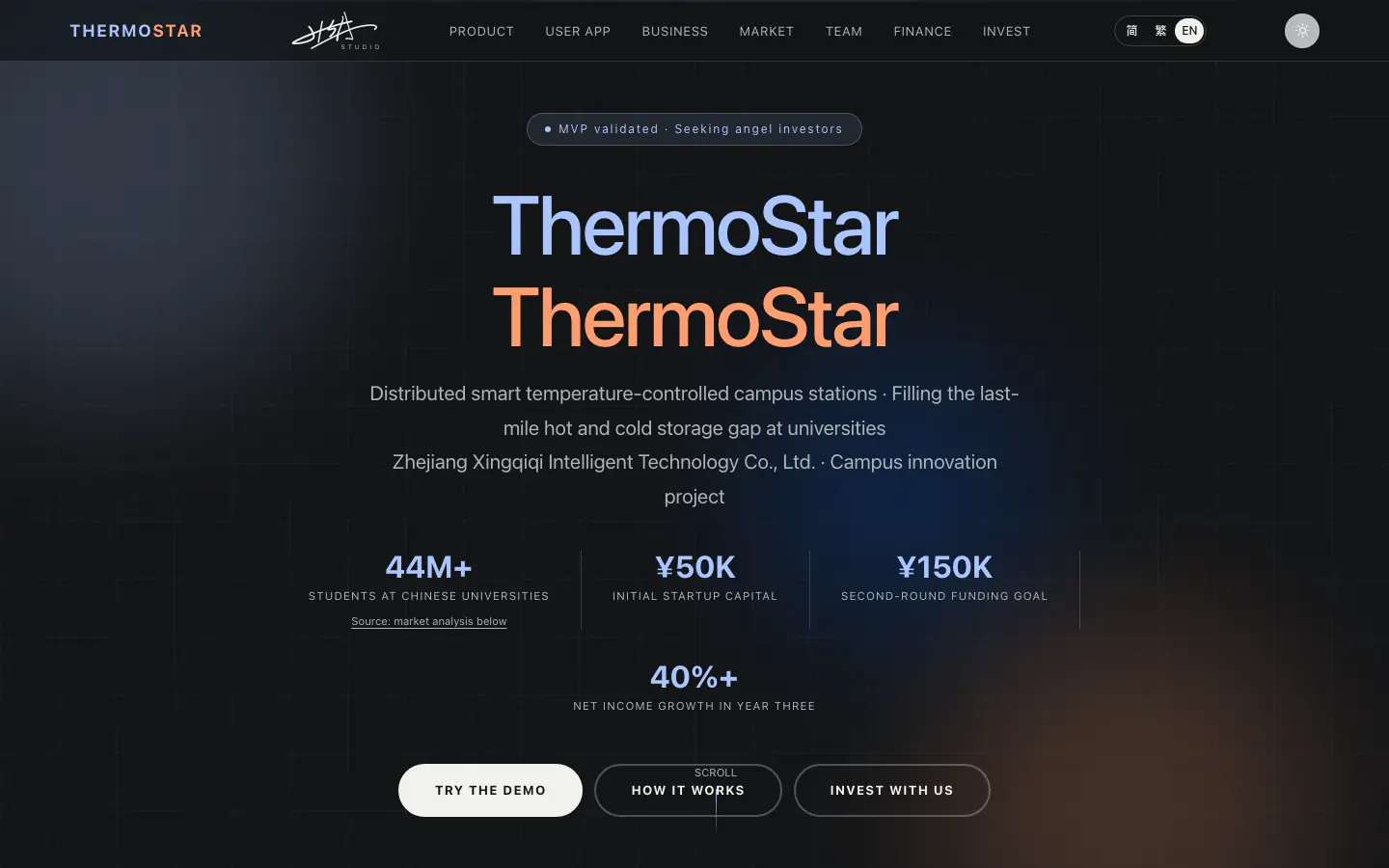
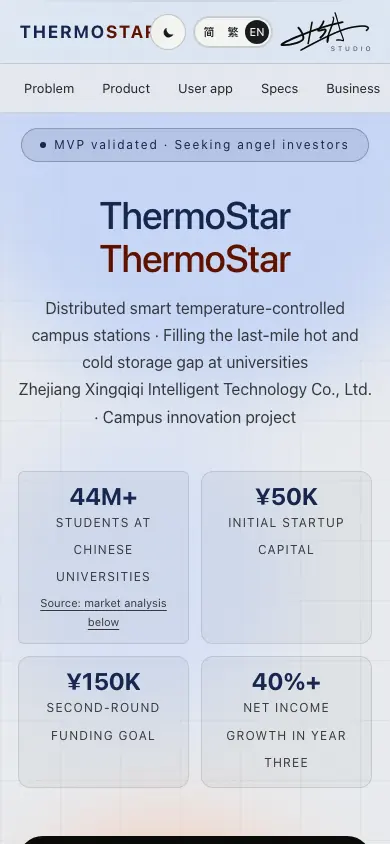
ThermoStar
Temperature-controlled lockers on campus.
Food and parcels go in; cold stays cold and hot stays hot. Book a slot on your phone, open it with a QR or a one-time code, and pay when you pick up.
- 10minutes held for you
- 180seconds of UV cleaning
- 2hours free per order for members
What it does
- 01
Book a slot
Your slot is held for 10 minutes after booking.
- 02
Three temperatures
Each slot switches on its own between chilled 2–8°C, frozen −18°C and warm 45–55°C.
- 03
QR or one-time code
Works offline too, by Bluetooth or a local code.
- 04
Pay on pickup
You pay for the time used; members get the first 2 hours free on every order.
- 05
Auto cleaning
180 seconds of UV after every pickup.
No real payment happens until lockers are connected.
How to start
- BookChoose a locker, a temperature and a slot.
- Drop offScan at the locker and put it in.
- Pick upScan or type the code, take it, then pay.
Who it is for
Students picking up food and parcels who want cold kept cold and hot kept hot.
Will I be charged now?
No real payment happens until lockers are connected.
How is it priced?
By the time used; members get the first 2 hours free on every order.
Can I open it without internet?
Yes, by Bluetooth or a local code.