
JWB for iPhone
The five JWB family services in one iPhone app.
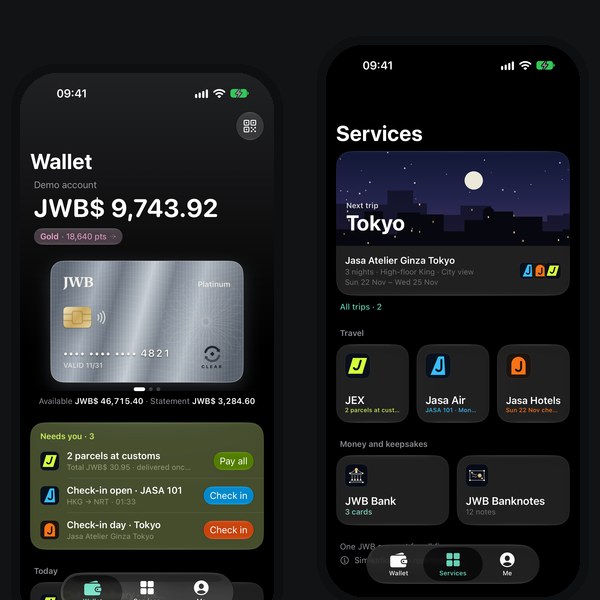
Built around the wallet: JWB cards and wallets, parcels on the way, the next flight and tonight’s stay are all on the first screen. Shipping, flights and hotels share one payment sheet, and several unpaid items can be paid together. The Dynamic Island, widgets, Control Center and Siri work too. It is still a preview and runs only on development devices.
Preview · not available to download yet
- 5services, one app
- 3tabs: Wallet, Services, Me
- 2languages: Chinese and English
What it does
- 01
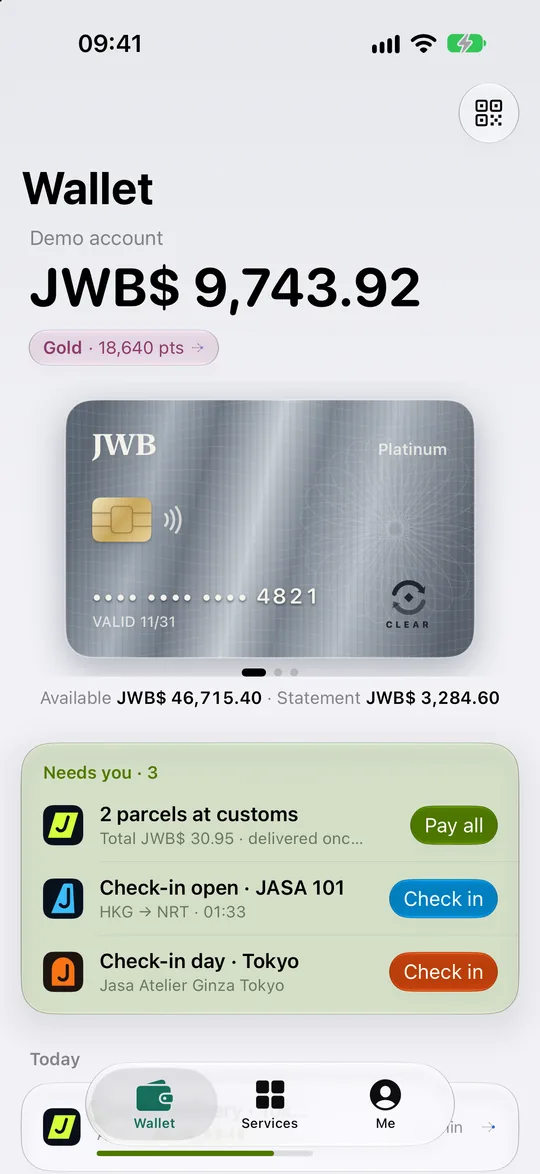
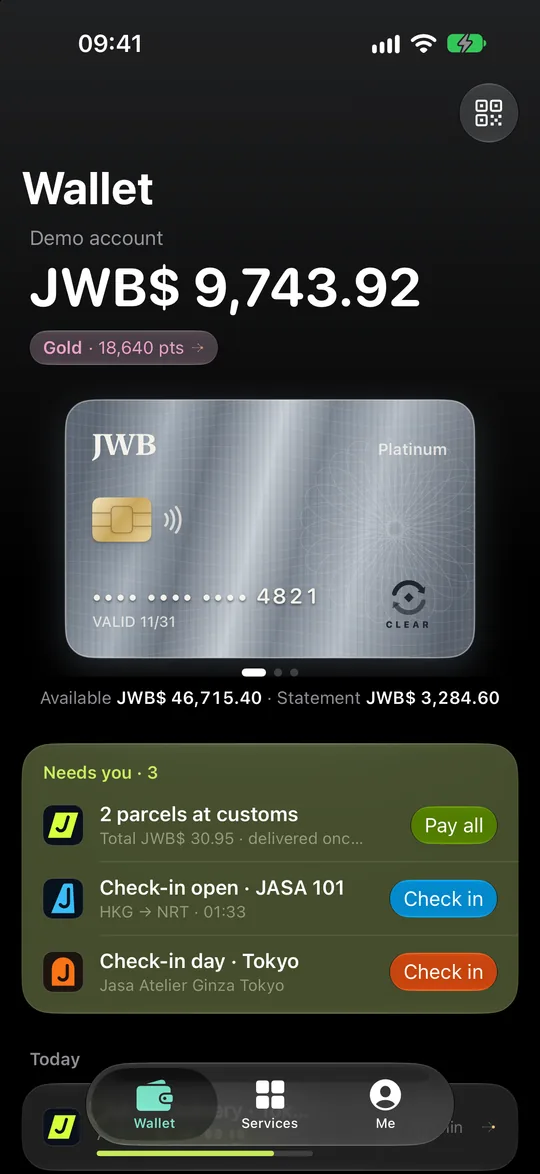
The wallet is home
JWB cards and the wallet total come first. Below them is a short list of things that need you: duties to pay, a flight ready for check-in, a hotel you can check in to today, each with one button to do it.
- 02
One payment sheet
Shipping, flights, hotels and duties all use the same payment sheet: pick a card or a wallet and see first what this order gives back. Several unpaid items can be ticked and paid in one go.
- 03
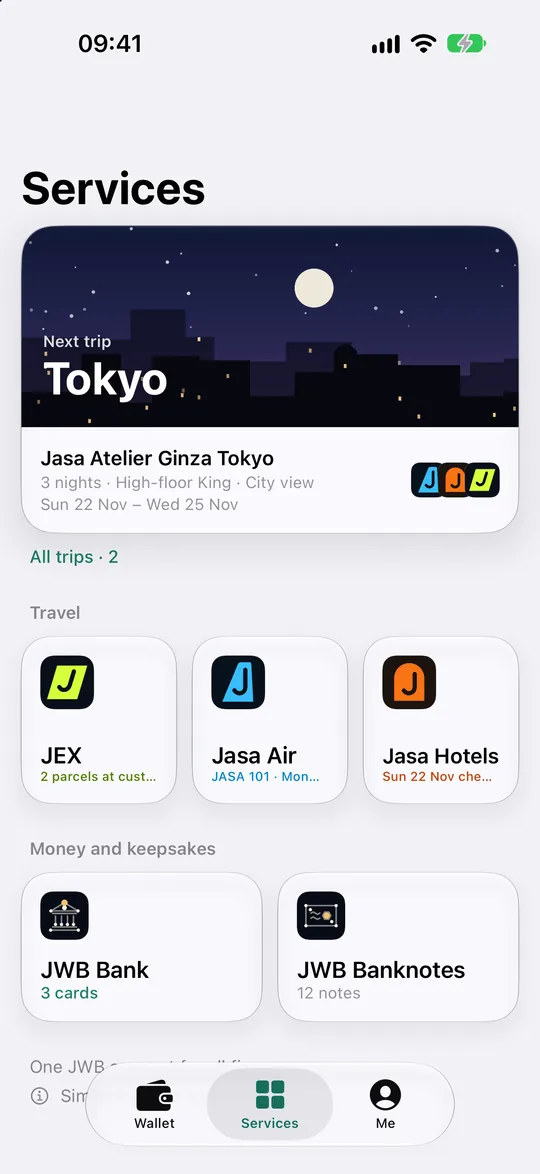
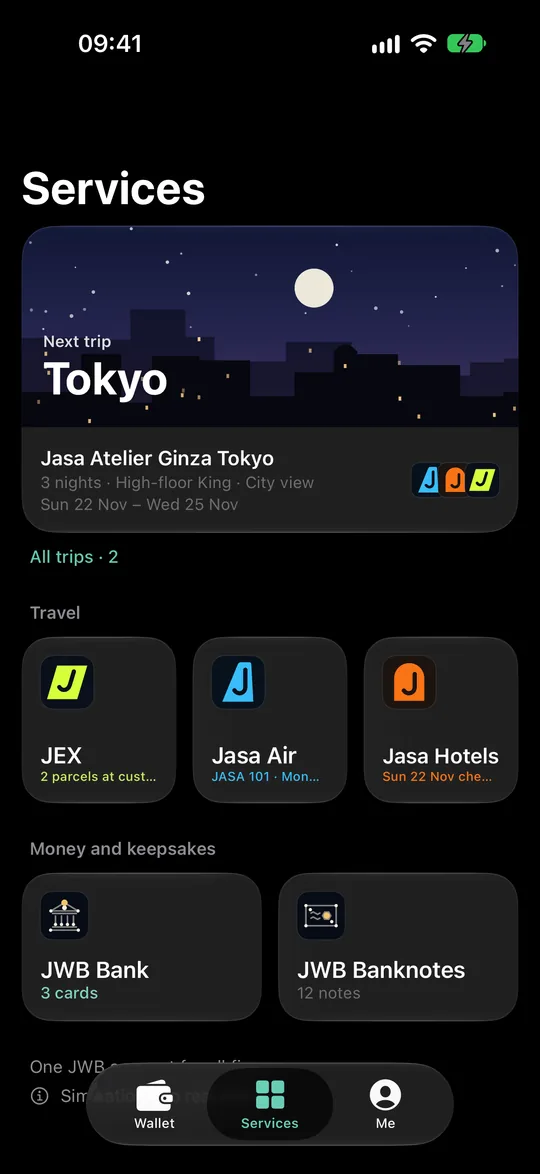
Five services, one page
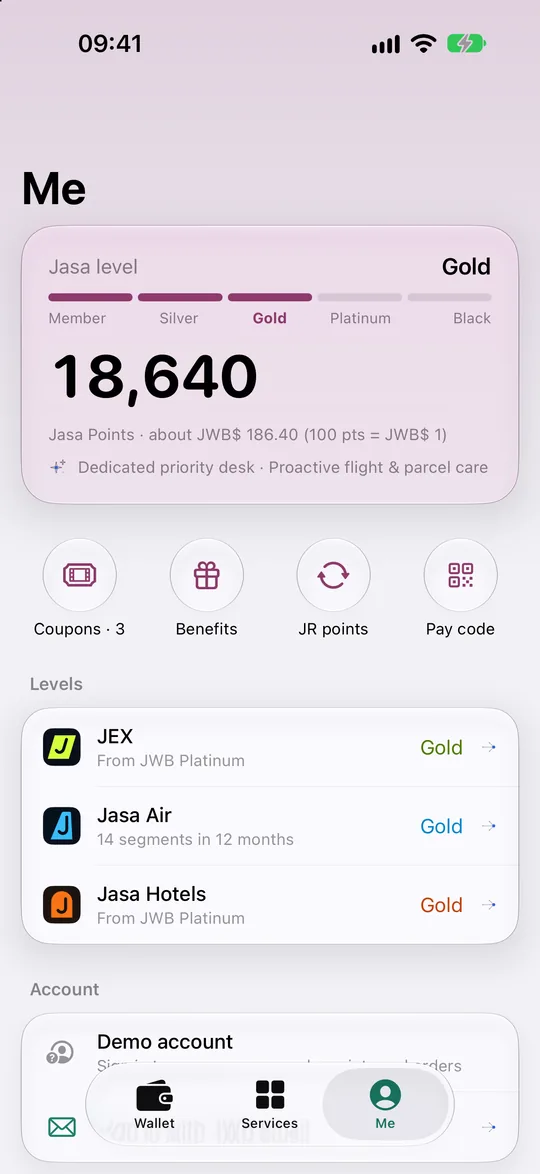
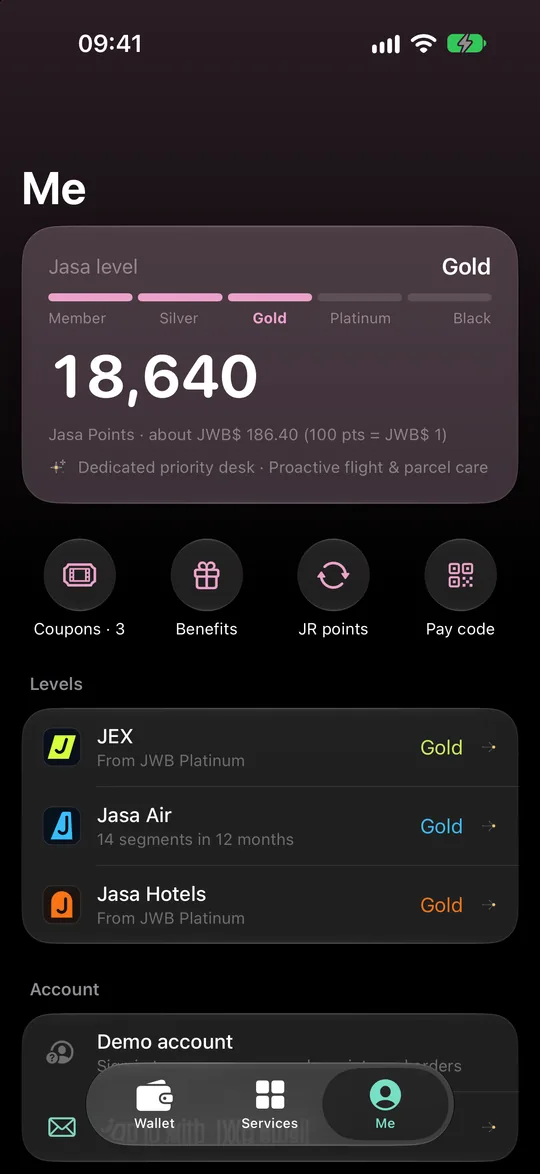
JEX, Jasa Air, Jasa Hotels, JWB Bank and JWB Banknotes each show where things stand. Ship a parcel, book flights and hotels, check in and out, and see member levels and coupons.
- 04
Dynamic Island and Live Activities
A parcel out for delivery, a flight opening check-in or boarding, tonight’s check-in: they show up in the Dynamic Island and on the Lock Screen without opening the app.
- 05
Widgets, Control Center and Siri
Widgets for the Home Screen and Lock Screen; three Control Center buttons open the parcel, boarding pass and room key directly; and Siri can say where a parcel is or which flight is next.
- 06
Boarding passes, room keys and cards
Boarding passes, room keys and JWB cards are shown as cards in the app; their QR codes are issued by Jasa Air and Jasa Hotels.
More screens
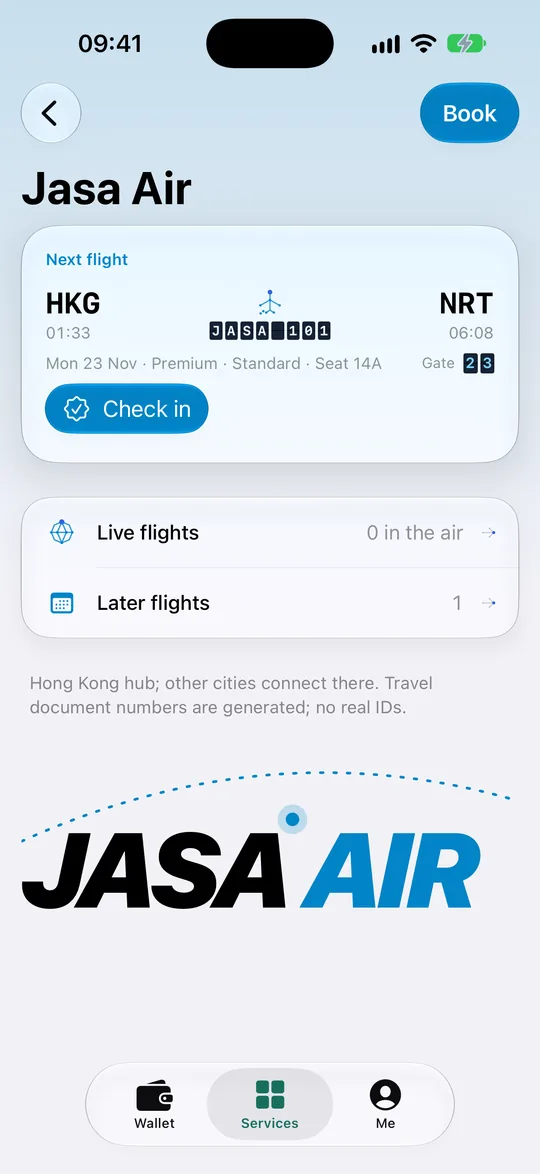
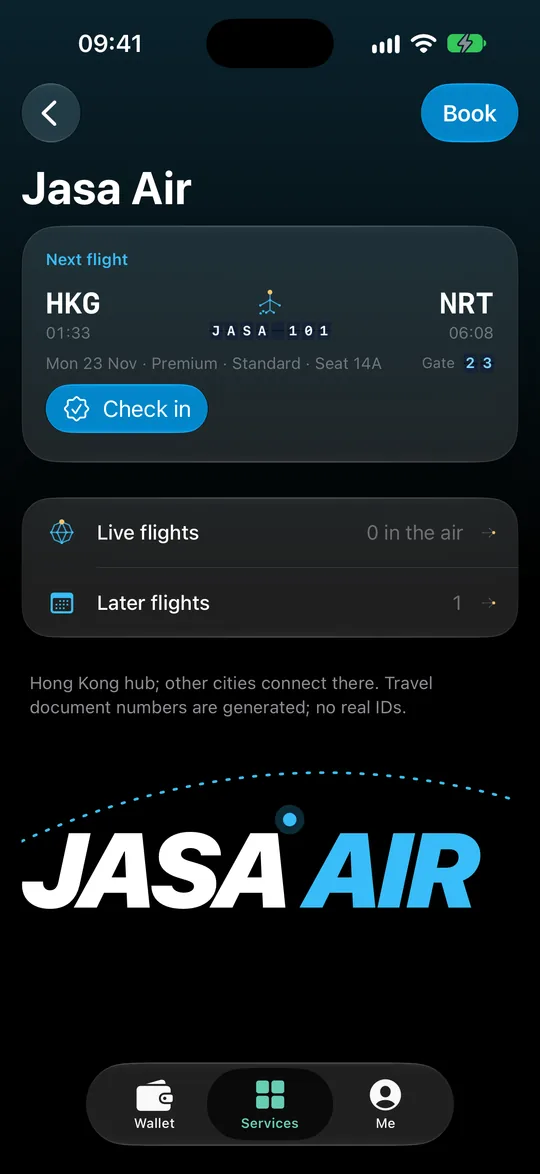
Jasa Air: the next flight and check-in
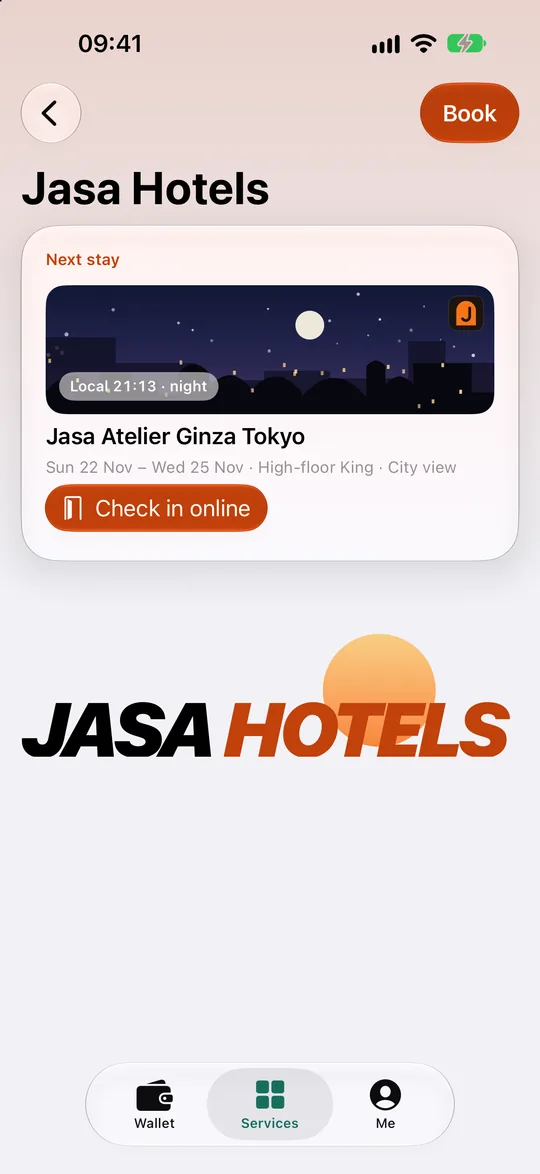
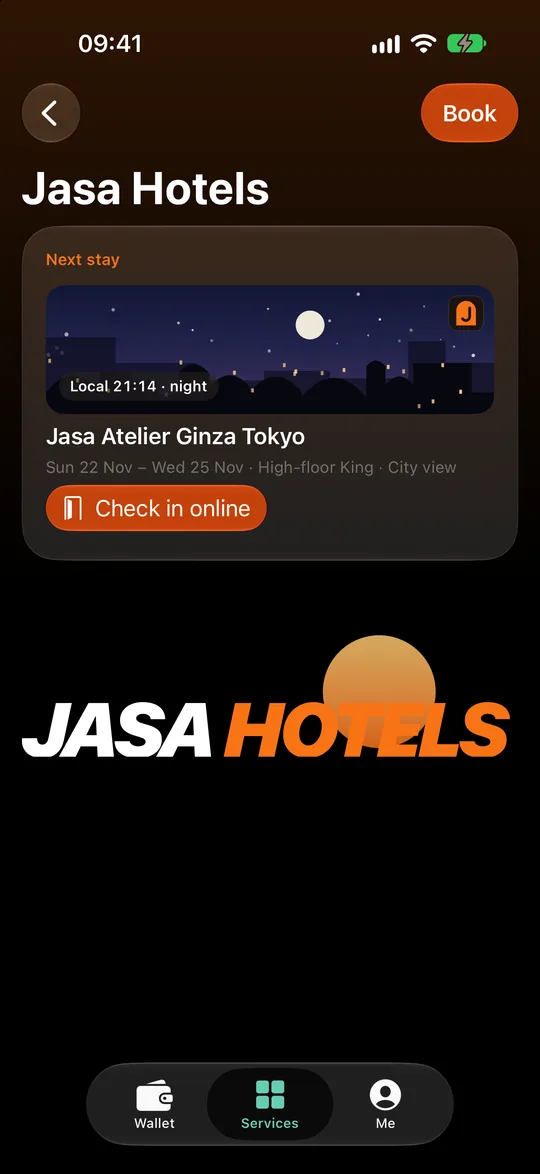
Jasa Hotels: the city’s sky right now, and check-in
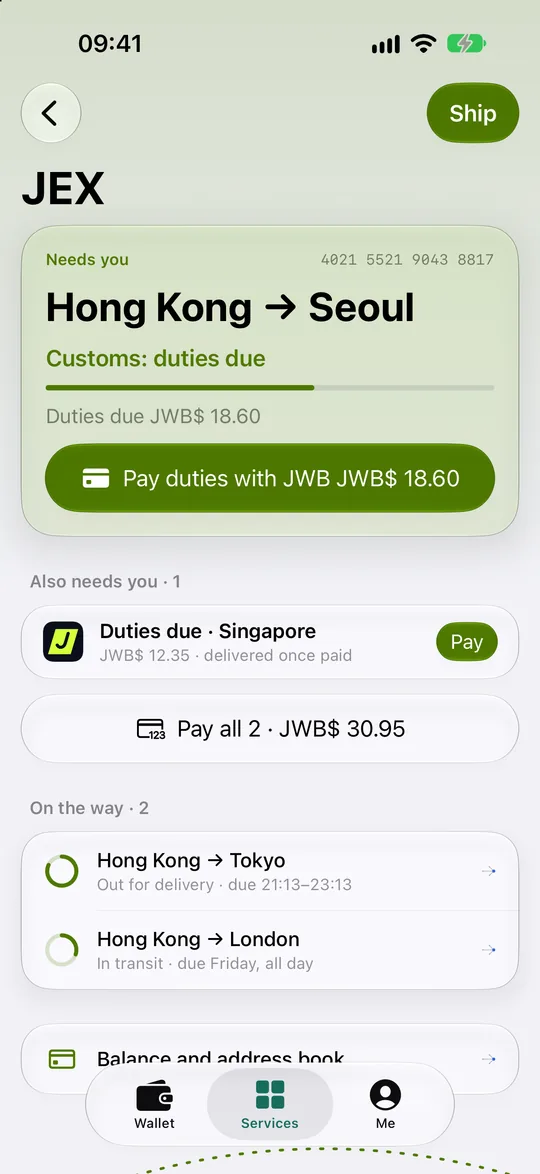
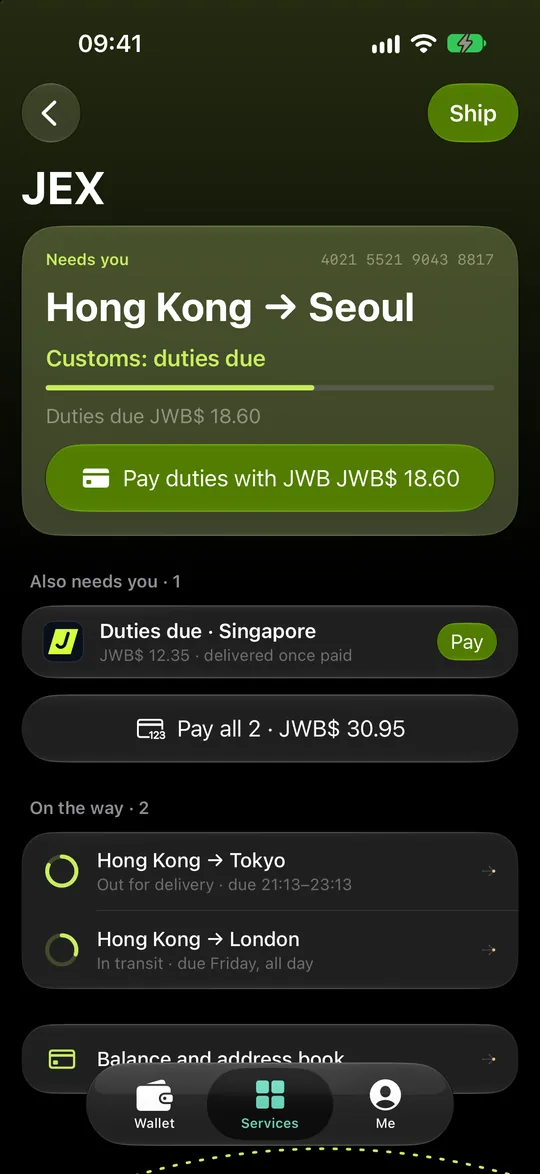
JEX: duties due and parcels on the way
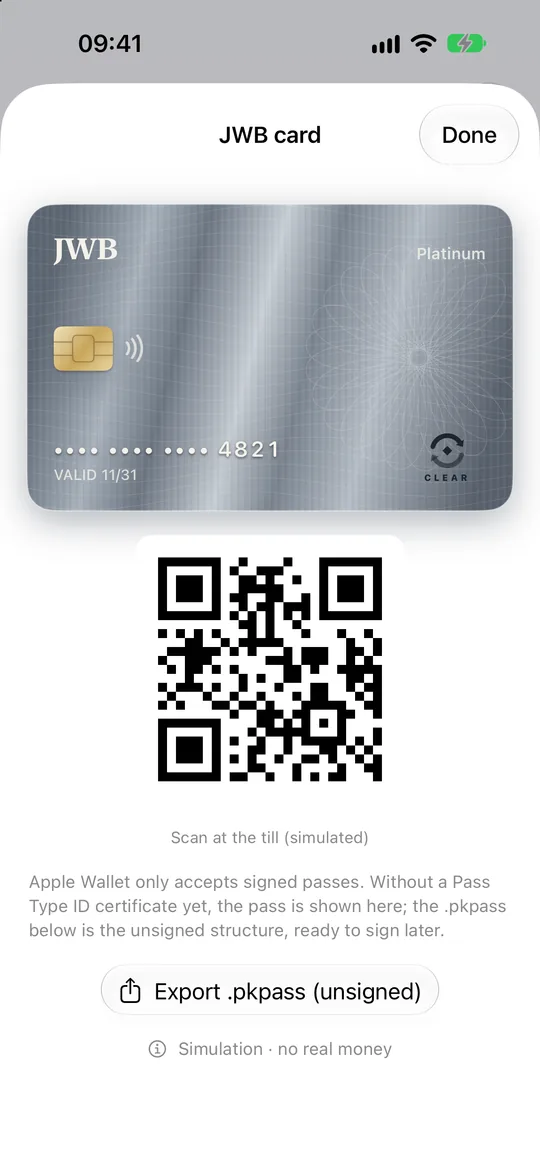
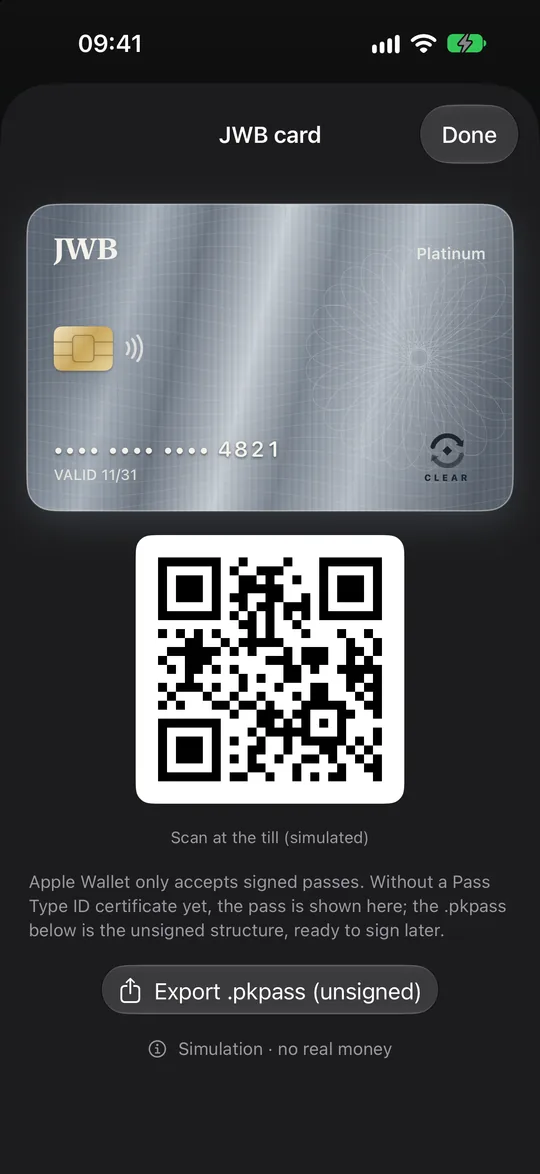
JWB card: payment code (simulated)
Where it stands
- Not available to downloadIt is not on the App Store or TestFlight; publishing needs a paid Apple developer account. For now it runs only on a development iPhone and the simulator.
- A demo account, or a JWB accountIt opens with a demo account. A jasa.hk JWB account can also sign in with an email code; it uses the same services as the website, so the data matches.
- A simulation, like the websiteJWB, JEX, Jasa Air and Jasa Hotels are made up; payments, waybills, tickets and room keys involve no real money or services.
Common questions
When can I download it?
There is no date yet. Until then, the bank, courier, airline, hotels and banknote gallery all work in the browser.
Which languages and systems?
Chinese and English. Light and dark follow the system or can be set in the app. It needs iOS 27.
Is the data in the screenshots real?
No. Every screenshot on this page comes from the app’s built-in demo account; the amounts, waybills and bookings are made up.
How does it relate to the website?
Same accounts, same services. Payments, parcels and bookings made in the app show up on the website, and the other way round.